Call Now
How to Recover Old FTW Files from Family Tree Maker After Computer Corruption
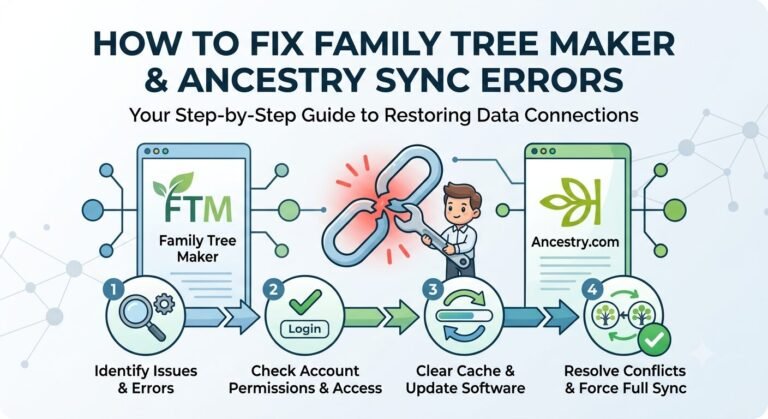
If you’ve got old CDs holding FTW files from Family Tree Maker and your computer crashed, wiping out the software, don’t panic. Many people face this when reviving genealogy projects. The key is to recover old FTW files from Family Tree Maker by reinstalling a compatible version and importing your data safely. I’ll walk you through it step by step, keeping things straightforward.
What Are FTW Files and Why They Matter
FTW files store your family tree data in older versions of Family Tree Maker, like those from the 1990s or early 2000s. They’re not like modern formats, but newer software can handle them. If your computer corrupted, you lost the program, but those CDs are your lifeline. Recovering old FTW files from Family Tree Maker starts with getting the software back.
Reinstalling Family Tree Maker Software
First, you need the software again. Head to the official MacKiev site or Ancestry to buy the latest version, such as FTM 2024. It supports importing legacy files. If you had a license, check your email for purchase details—they might let you redownload. Avoid sketchy free sites to prevent malware. Once installed, copy the FTW files from your CDs to a folder on your new computer. Use File Explorer or Finder to do this; drag them to your desktop for easy access.
Steps to Recover Old FTW Files from Family Tree Maker
Open the new Family Tree Maker. Go to File > Open, and select your FTW file. For versions 5-16, it should import directly. If it’s older, like version 4, you might need an extra step: Download a free tool like FTM 2005 Starter Edition from trusted archives (search safely). Use it to open the file, then export as a GEDCOM. Import that into your modern FTM.
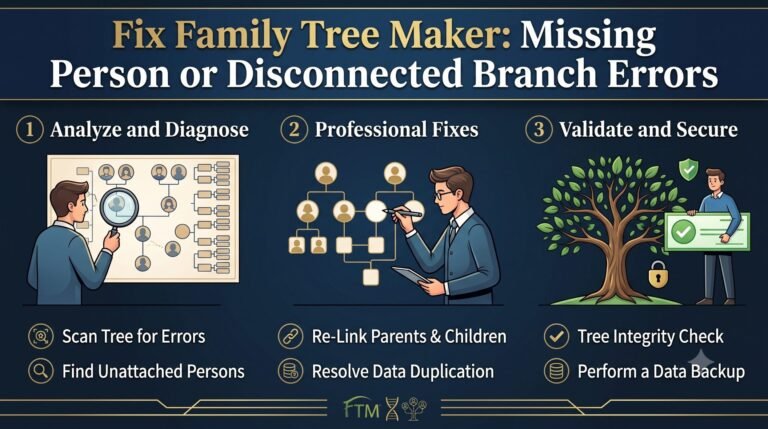
If the file won’t load, it could be corrupted from the crash. Try the built-in repair tool: Under Tools, select Compact File to fix errors. Always make a backup first—go to File > Backup and save a copy. For added safety, sync with Ancestry if you have an account; it creates cloud backups.
Preventing Future Losses
To avoid needing to recover old FTW files from Family Tree Maker again, back up regularly. Use external drives or cloud storage. FTM’s TreeVault service offers automatic online saves for emergencies. Update your software too—newer versions handle files better and add features like media linking.
In short, recovering old FTW files from Family Tree Maker after computer corruption is doable with the right install and import. You’ll have your family history back in no time, ready to expand. If issues persist, reach out to FTM support for personalized help. This approach has worked for countless users reviving lost trees.
For more information please do contact us.