Call Now
Convert Family Tree Maker Files to GEDCOM Format Easily
A GEDCOM (.ged) file acts as a universal translator for genealogy data. Exporting your tree into this standard open-source file format ensures your research stays flexible and safe for long-term storage.
- Platform Compatibility: Allows you to open your tree in programs like RootsMagic, Legacy Family Tree, or MacFamilyTree.
- Easy Sharing: Relatives can view your full tree on their preferred genealogy software without buying Family Tree Maker.
- Cloud Uploads: Lets you upload your full tree structure to sites like Ancestry, MyHeritage, or WikiTree instantly.
Step-by-Step Guide to Exporting Your GEDCOM File
Follow these exact steps to generate a clean, readable GEDCOM file from your current Family Tree Maker database.
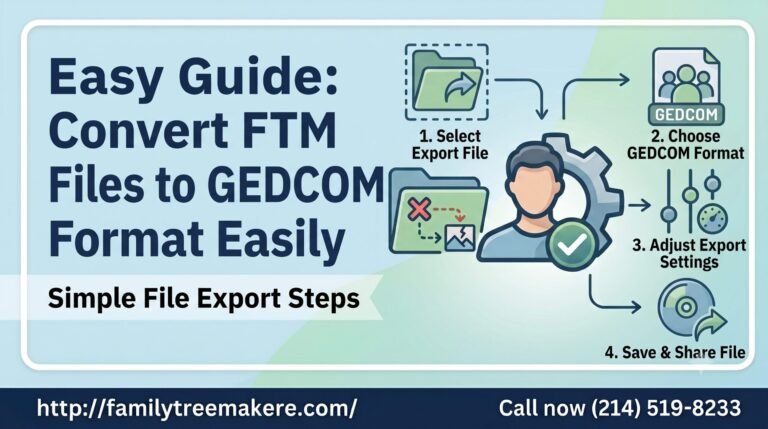
1. Open Export Settings
Launch your software and open the specific tree you want to convert. Go to the File menu at the top left of your screen and select Export.
2. Choose the GEDCOM Format
In the export popup box, locate the Output format dropdown menu. Change the selection from your default FTM format to GEDCOM (3.0 or 5.5).
3. Customize Your Privacy and Media Options
Choose which individuals to include (entire tree or specific branches). Make sure to check the option to privatize living individuals if you plan to share the file publicly. Once configured, click Export, choose a save location on your computer, and rename your file.
For more information please do contact us.